
Play Rupees Game Download (New Earning APP in Pakistan)

- 7 MB App size
- 24/7 Support
- #1 Game of the Month
Play Rupees Game is a real money gaming app for users in Pakistan. You can create an account, add money through local payment options, play games and request a withdrawal if you have an eligible balance. Games can also end in a loss, so learn the rules and payment conditions before you deposit.
| App name | Play Rupees |
|---|---|
| Version | v1.0.3 |
| Category | Casino |
| Price | Free |
| Region | Pakistan |
| Languages | English & Urdu |
| Payment Methods | JazzCash & Easypaisa |
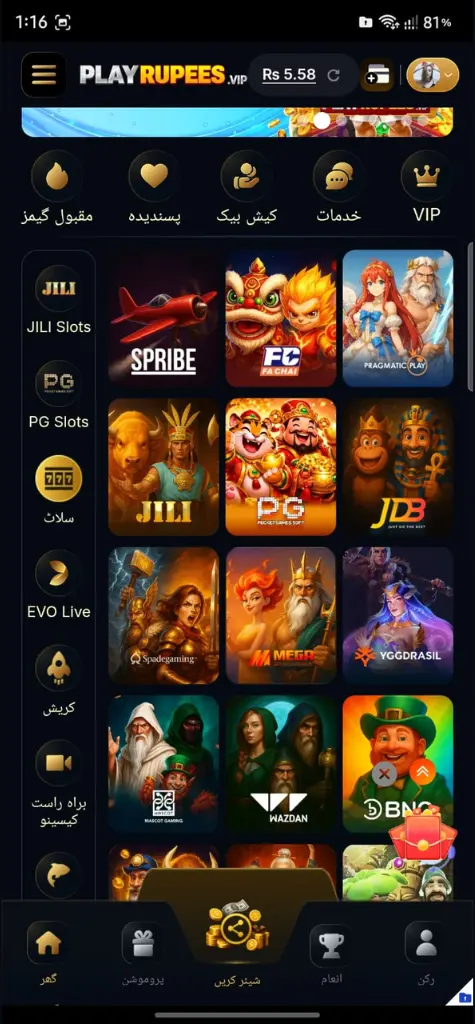
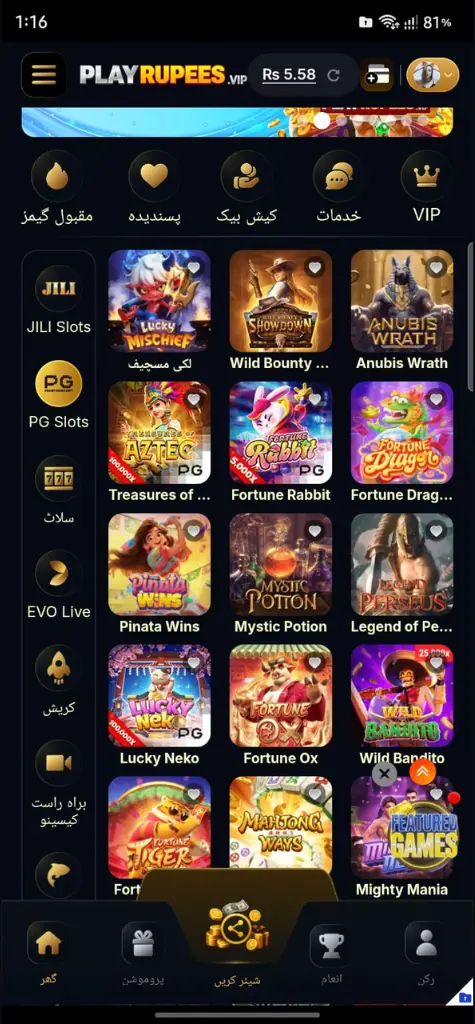
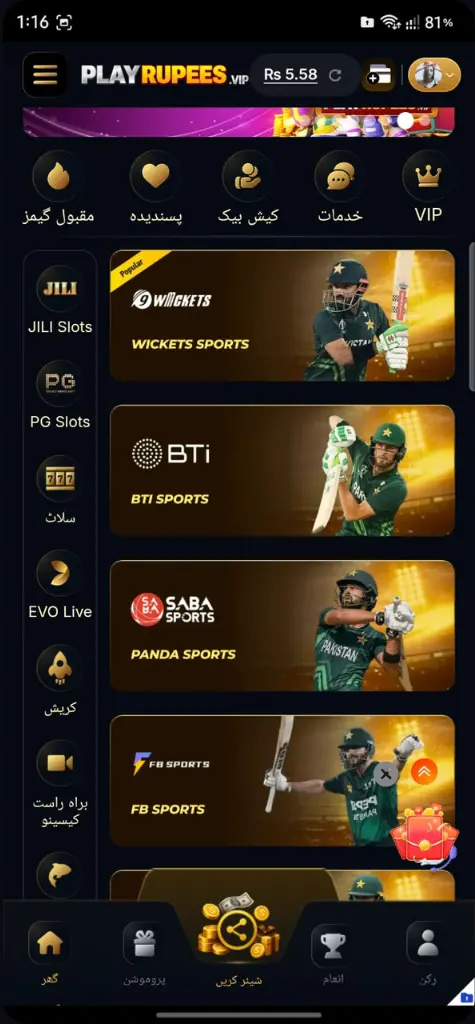
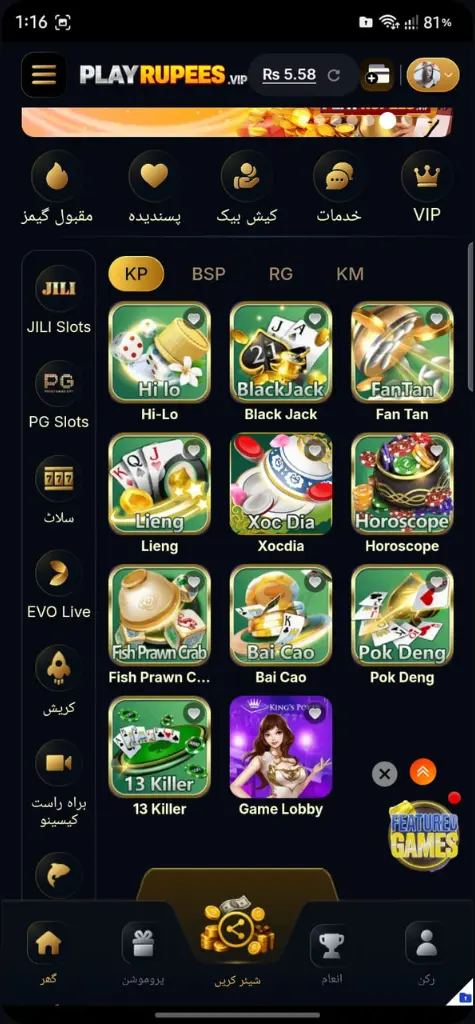
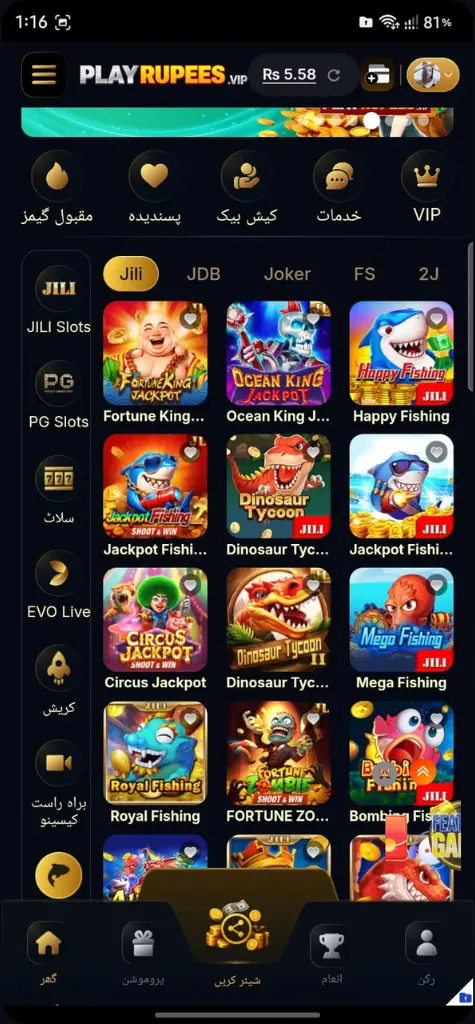
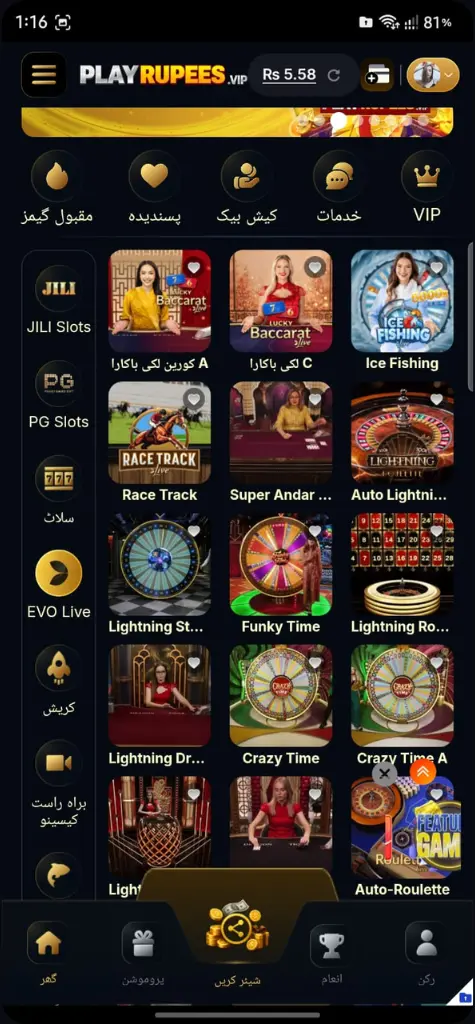
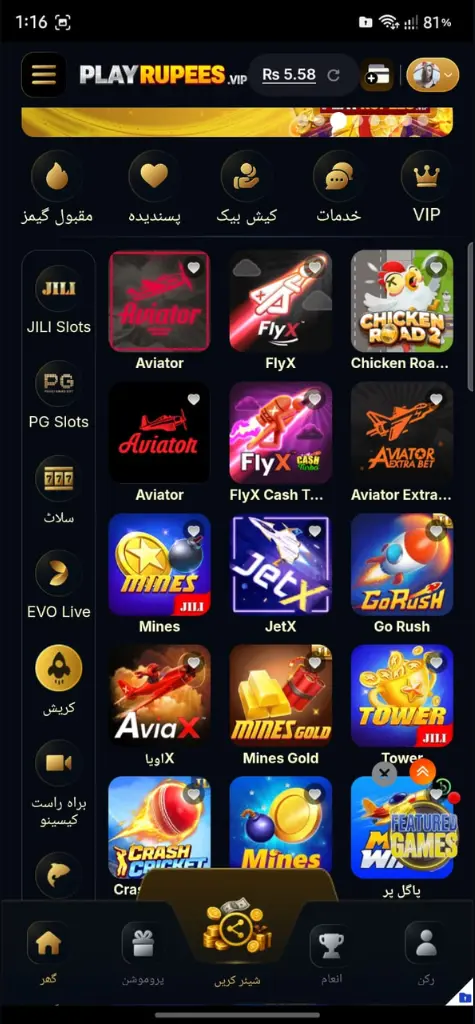
What Is Play Rupees Game?
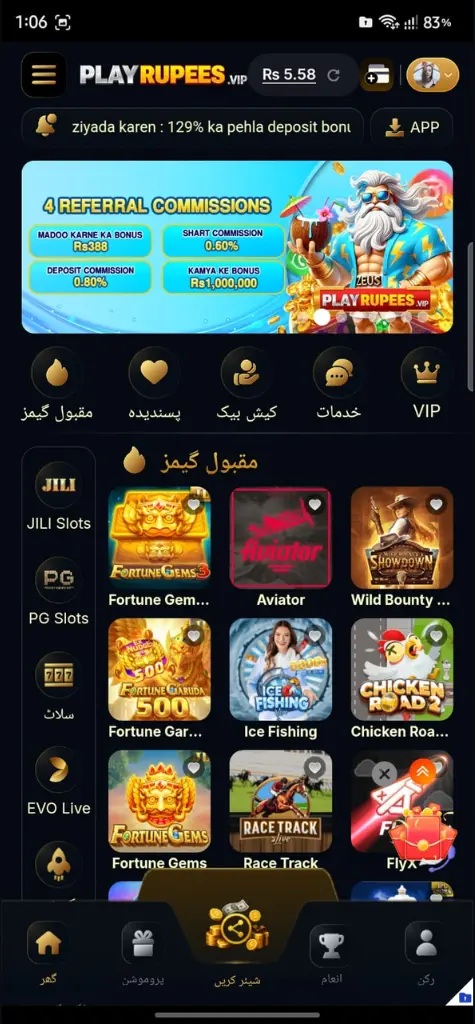
Play Rupees Game brings several types of games into one account. Users can browse games, check their balance, view rewards, invite friends and manage deposits or withdrawal requests from the app.
The games described for Play Rupees include card games, prediction rounds, lottery-style options and short matches. Some involve choosing an outcome. Others have their own scoring or winning rules.
The amount you spend and the result of a round affect your balance. Play Rupees offers a chance to receive money from eligible game wins and referral rewards. It does not pay a fixed amount for opening the app or spending time on it. You can lose the money used in paid games.
Download Play Rupees APK
The Play Rupees download is an APK file. Android phones can open an APK for installation, although the phone can ask you to approve installation from the browser or file manager you used.
Follow these steps:
Allow Unkown Resources
Read the exact warning. Android can ask for permission because the file came from a browser instead of an app store. It can also warn you about the file itself. Those are different messages, and you should understand which one your phone is showing before you continue.
You do not need to approve every permission an app requests without looking. Check what access it asks for when you first open it. If you are uncomfortable with the file or its permissions, stop the installation.
Can You Download Play Rupees on an iPhone?
The 7 MB APK is for Android. An iPhone cannot install an Android APK.
If Play Rupees offers access through its website, an iPhone user can open that website in Safari and use the available browser features. Do not rename the APK or use an unknown tool that promises to turn it into an iPhone app.
Play Rupees Register
You need an account to use the wallet and other account features. The registration instructions call for a mobile number and password, with a referral code as an optional field.
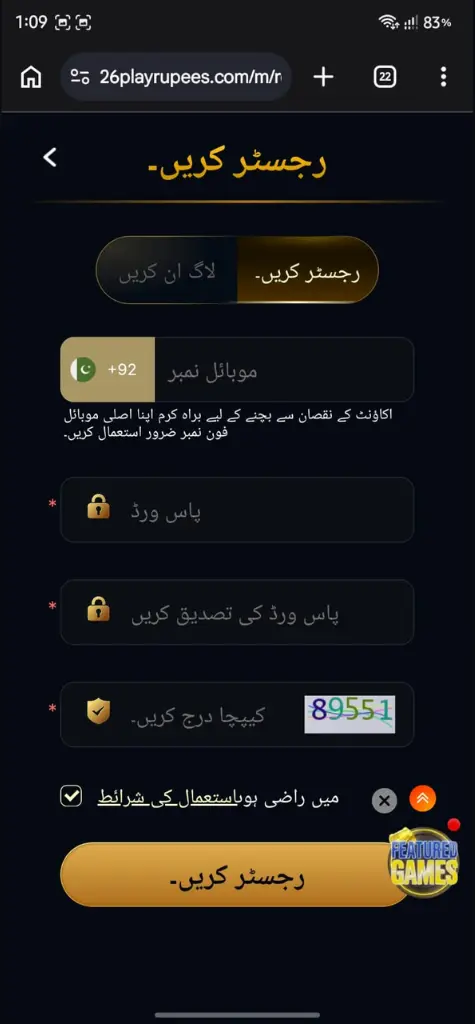
PlayRupees Registration Problems
If your number is rejected, first check that you typed it correctly. If you already registered with that number, use Login or the password recovery option instead of making another account.
If a verification message does not arrive, check your phone signal and confirm that the number on the form is yours. Wait for the current request to finish before requesting another code. When a code is rejected, enter the newest code shown in your messages and check it for typing mistakes.
A referral code is optional in the registration steps. If one does not work, check the code before holding up the whole signup process.
PlayRupees Login
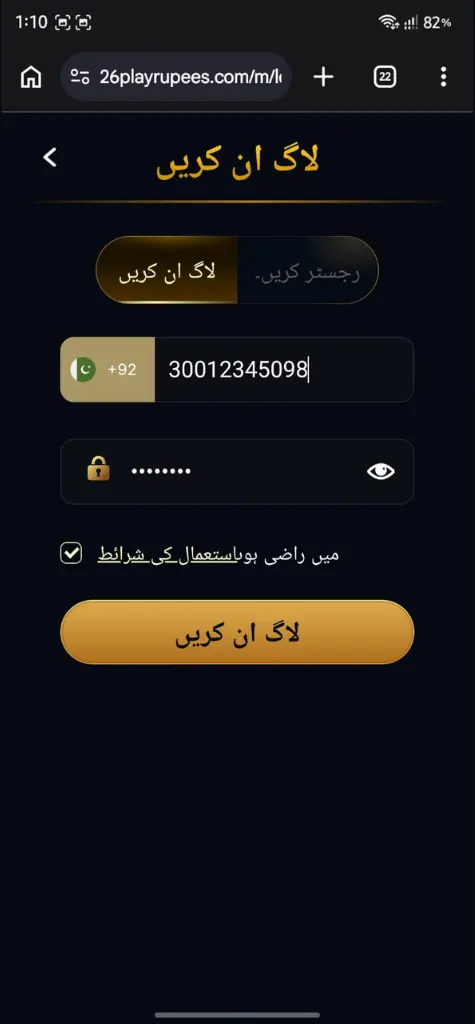
Open Play Rupees, tap Login, and enter your registered mobile number and password. Check for a typing mistake if the app does not accept them. If you cannot remember the password, use Forgot Password and follow the recovery instructions shown there.
Important Steps Before You Deposit
The app has several areas that are useful even before your first paid game. Look for your wallet balance, game rules, reward terms, account settings and transaction records. These tell you what you are agreeing to more clearly than a banner promising a bonus.
The main dashboard is meant to put games and account options within easy reach. Play Rupees also lists English and Urdu language options. If the wording in one language is hard to follow, switch to the one you understand best before making a payment.
Play Rupees Available Games
| Game type | What to learn before paying |
|---|---|
| Card games | Read the scoring, the cost to join and the rule that decides a winner. |
| Prediction games | Check what outcome you are choosing, when the result is decided and what a correct choice pays. |
| Lottery-style games | Check the entry amount, draw or result rules, and prize conditions. |
| Short matches | Check the cost of each round. A quick round can still use real money. |
| Casino-style games | Read how results and payouts work. Earlier results do not promise a future win. |
PlayRupees Wallet
Your wallet is where you check money added to the account and the balance left after activity. It is also where you should look before making another deposit or requesting a withdrawal.
Pay attention to the type of balance displayed. Deposited money, game winnings and promotional credit do not always follow the same rules. A welcome reward or bonus shown on the screen should not be treated as withdrawable cash until you have read its conditions.
Check the balance before and after a game. Then look at the game or transaction history if the result is unclear. Keeping a payment receipt and an account record gives you useful details if you later need help with a missing deposit or withdrawal.
The app information also lists transaction history, game history and an automatically refreshed wallet balance. These records are worth using. They help you see what went in, what was spent and what remains, instead of judging your spending from memory.
Play Rupees Game Deposit
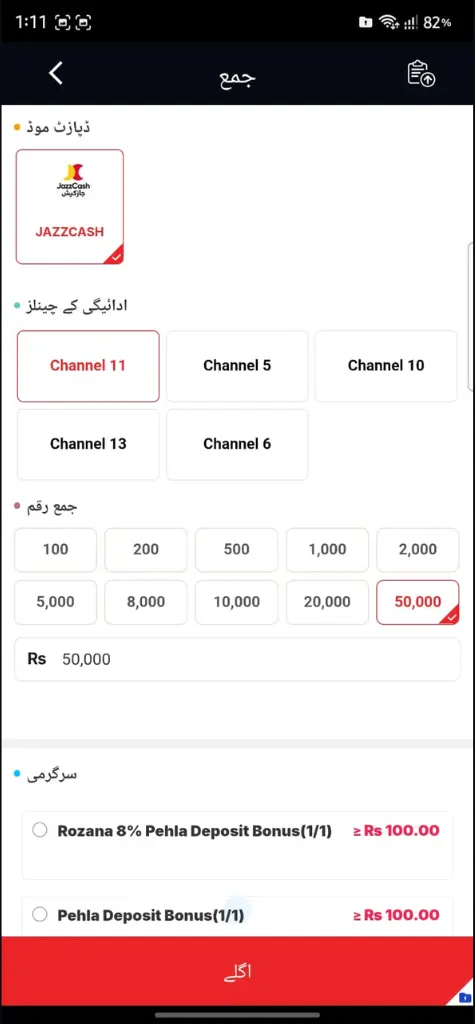
JazzCash and Easypaisa are the main local payment options for Play Rupees. To add money:
Amount isn’t showing in Game
First, check whether your JazzCash, Easypaisa or bank transaction actually completed. Then check your Play Rupees wallet and transaction history. Keep the payment confirmation, amount and transaction reference.
If the payment completed but the app balance has not updated, send those details through the support option shown by the platform. Do not make the same deposit again simply because the first one is taking time to appear. That can leave you with two payments to sort out.
How to Withdraw Money from Play Rupees
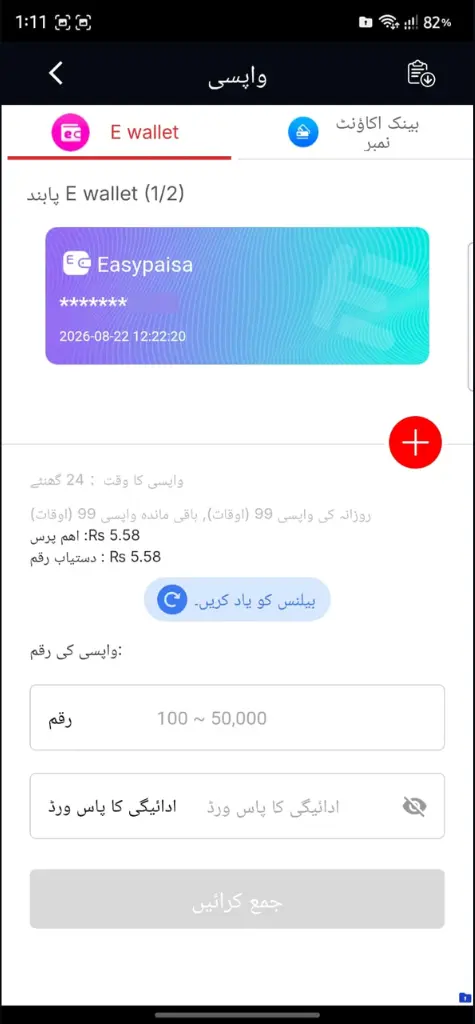
A withdrawal moves an eligible balance from Play Rupees to the receiving account you choose. Before you submit one, check the available amount, the minimum withdrawal amount and any rules attached to bonuses.
Withdrawal Is Still Processing?
Open your transaction or withdrawal history and check whether the request is pending, completed or returned. Compare the receiving details with your own wallet or bank account.
If the time shown for your payment method has passed, contact support with the request amount, date, payment method and transaction record. Never send a password, OTP or wallet PIN as part of a support request.
If your balance is higher than the amount you can withdraw, check whether part of it is bonus credit or whether an offer has a play requirement. A number in the wallet does not always mean the full number is ready to cash out.
Daily Rewards and Special Offers
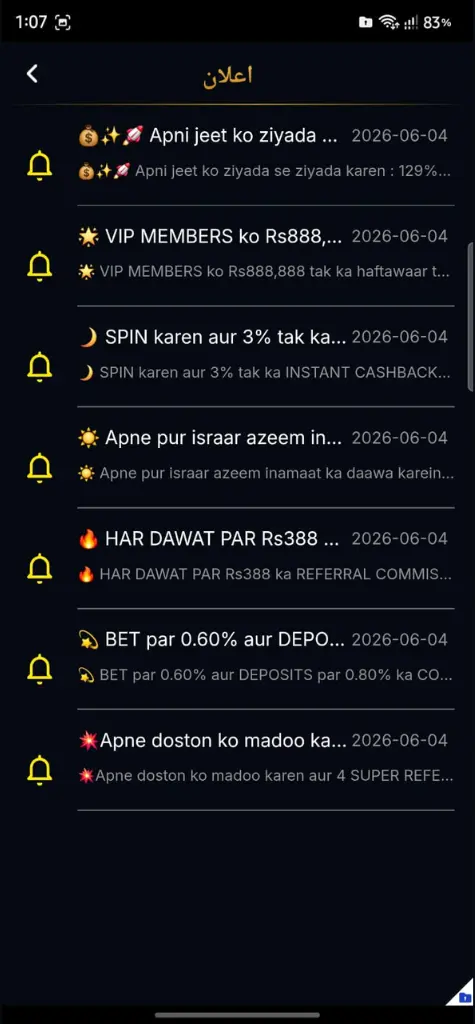
Daily login rewards give regular users a reason to check the reward section. Limited-time promotions and bonus codes have their own conditions. Open the offer and read those conditions before changing how much you play.
The app information also mentions streak rewards and rewards tied to tasks or events. Check which activity counts before spending money to complete one. If an offer is no longer displayed in your account, do not assume an older description of it still applies.
How the Referral Program Works
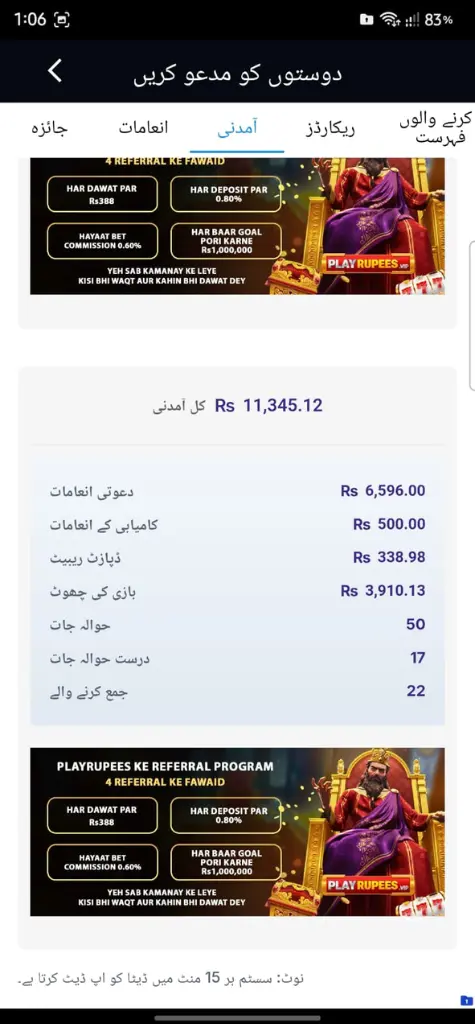
Play Rupees gives users a personal referral link or code to share. The reward depends on what the person you invite does after joining. Registration alone and active gameplay are described as different stages. To use the referral feature:
Play Rupees Features
A useful feature is one that helps you make a clear decision or track what happened. These are the controls worth finding after you register.
Transaction and Game Records
Transaction history helps you check deposits and withdrawal requests. Game history helps you review the rounds you entered and their results. Look at these records if your balance is different from what you expected.
Rewards in One Place
A reward section lets you see offers available to your account. Read the conditions there rather than relying on an offer you saw earlier. Bonus code redemption is also listed among the app’s extra options.
Referral Tracking
The referral area lets you check invitations and rewards. Multi-level referral tracking is listed in the app information, but a fixed commission rate is not supplied. Look at the current terms before counting a referral reward as money you have earned.
Language and Account Settings
English and Urdu options help users follow account instructions in the language they find clearer. The app information also lists notification settings and session reminders. Use those controls if alerts become distracting or you want a prompt to stop playing.
Finding a Game
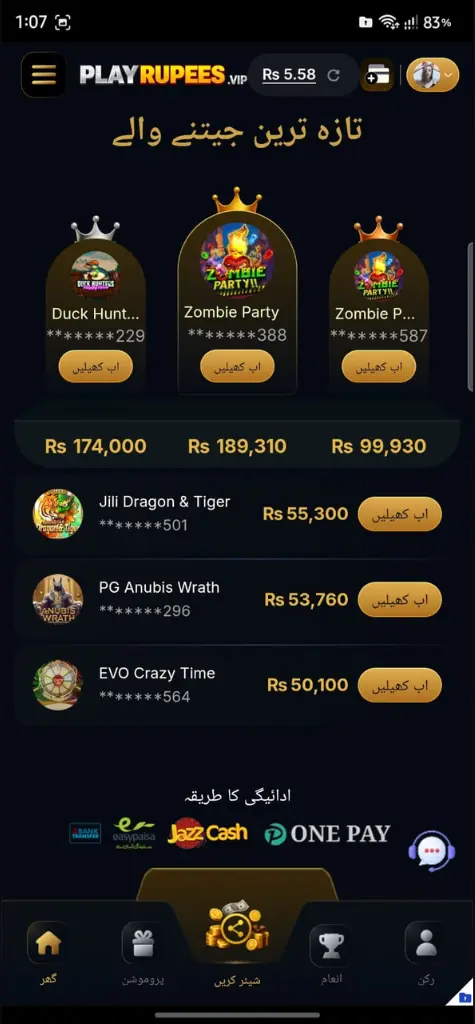
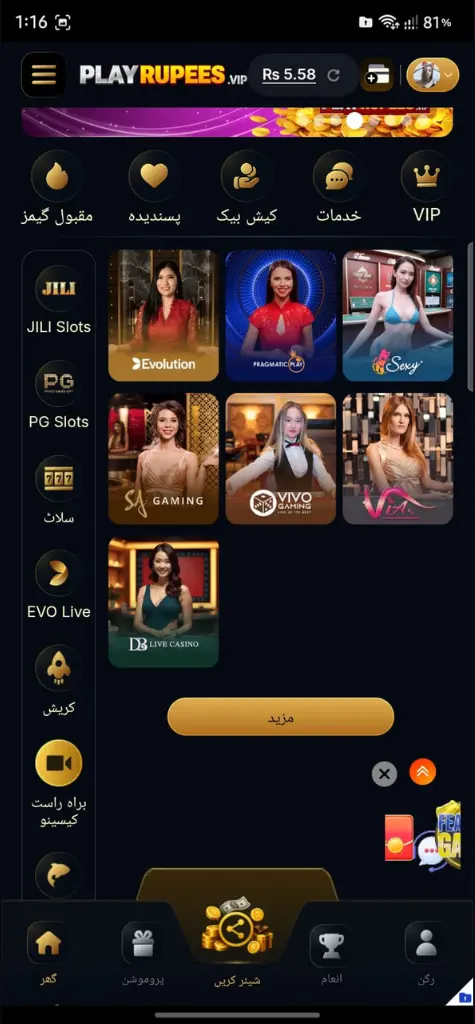
Game categories and a quick match search are listed as ways to move through the selection. Player rankings are also mentioned. A ranking can show activity, but it does not tell you that a game is safe from losses or that you will get the same result as another player.
24/7 Support
Support is described through in-app chat or messaging for issues such as account access, deposit confirmation and withdrawal status. Give support the exact problem, the relevant transaction record and the details needed to find your request. Do not send your password or verification code.
Play Rupees Common Problems
Start by identifying where the process failed. Downloading the file, installing the app, opening it and signing in are separate steps. The right fix depends on the step.
| What happened | First useful checks |
|---|---|
| Download does not start | Check your connection, reopen the download page and tap the Android download option again. |
| Download stops partway | Check storage and internet access. Delete the incomplete file before starting a fresh download. |
| APK is missing from Downloads | Open your browser’s download history to find where the file was saved. |
| Android will not open the APK | Confirm the file finished downloading and that you are opening it on an Android phone. Read any warning shown by the phone. |
| Installation is blocked | Read Android’s permission prompt and check that the phone has free space. |
| An update fails | Remove the incomplete new APK, download a fresh copy and read the exact installation error before changing anything else. |
| App installs but will not open | Close it, check your internet connection and restart your phone. Then check whether the current release is available. |
| Login is rejected | Check the registered number and password. Use Forgot Password if you cannot recall the password. |
| Verification is delayed | Check the number entered, phone signal and the latest code request. |
| App loads slowly | Check the connection and close unused apps running in the background. |
| Deposit is missing | Check the payment confirmation, app balance and transaction history. Keep the receipt for support. |
| Withdrawal is delayed | Check the request status, receiving details and processing time shown for the method you chose. |
Play Rupees Game Starting Plan
You do not have to try every feature after installing the app. A short check can prevent common mistakes:
That gives you a clearer picture of the app than jumping from registration straight to a deposit.
Pros & Cons
| Pros | Cons |
|---|---|
| The APK is 7 MB, so the download file is small. | You still need enough phone storage to install and use the app. |
| JazzCash and Easypaisa are familiar payment choices in Pakistan. | Check the current payment details and withdrawal rules inside your account. |
| Games, rewards, wallet tools and referrals are in one place. | Bonus credit and cash available to withdraw can follow different rules. |
| English and Urdu options help users read the instructions. | You still need to understand each game’s rules before paying to enter. |
| Transaction and game records help track activity. | Records help you check spending; they do not prevent a loss. |
| The download is free. | Paid games use real money, and winnings are not guaranteed. |